Rummy Safety: Avoid Playing on Untrusted Public Wi-Fi
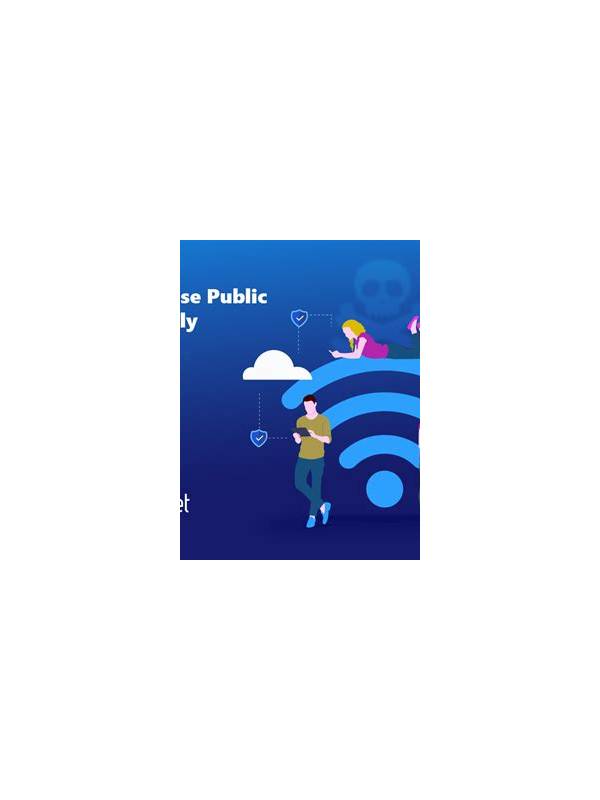
Public Wi-Fi is convenient, but convenience does not make every network trustworthy. A network name in a café, station, or hotel can be copied by someone nearby. When playing rummy or accessing an account on an unfamiliar connection, treat the network as a place where extra caution is needed.
Prefer a secured mobile connection or a network you recognize and control. If you must use public Wi-Fi, verify the network name with staff rather than joining the strongest signal. Do not use a network that asks you to install an unknown certificate, configuration profile, or application before it connects. Those requests can create risks beyond ordinary browsing.
Keep your phone’s operating system, browser, and game app current. Updates often address security weaknesses, and an old device has fewer protections against common attacks. Use a screen lock and enable the device’s built-in security features. Avoid saving account credentials on a shared or borrowed device.
Do not enter sensitive payment details while connected to an unfamiliar network unless you have a clear reason and trusted protections. Check that the site or app uses a secure connection, but remember that a padlock alone does not prove that the service itself is genuine. Access accounts through the official app or a bookmarked address rather than a link sent in a chat.
When finished, disconnect from the network and choose “forget” if your device offers that option. Review the list of saved networks occasionally; removing old entries reduces the chance of automatic connection later. If you notice an unexpected login alert, change the password from a trusted connection and use the service’s official security controls.
Safe play includes protecting the account and the device, not only making good card decisions. A few connection checks are quick, and they are especially worthwhile when a game involves personal information or transactions.
If the connection behaves strangely, stop the session rather than repeatedly retrying a login. Unexpected redirects, certificate warnings, repeated password prompts, or a sudden request for extra information are reasons to disconnect. From a trusted connection, review account activity and contact official support if needed. Avoid investigating through a link supplied by the suspicious network or message.
For accounts with security settings, enable an available second verification method through the official app. Use a unique password that you do not reuse on unrelated services. These steps remain useful even when the connection itself appears normal, because account protection should not depend on recognizing every unsafe network.