Rummy Safety: What to Do When a Wallet Screen Freezes
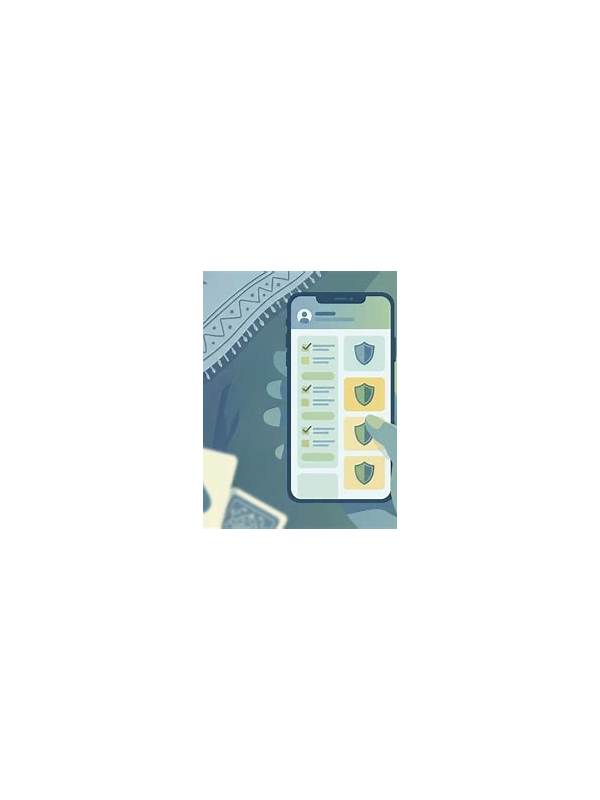
A frozen wallet screen can create pressure because the interface may not clearly show whether an action succeeded. Repeatedly tapping a button, closing the app, or starting a second transaction can make the situation harder to understand. Use a calm verification sequence instead.
First, stop interacting with the payment control. Note the approximate time, the type of action, and any reference number the screen displayed. Do not take a screenshot if it would expose a full payment credential or another person’s private information; crop or obscure sensitive details when a record is genuinely needed. Keep the note factual and short.
Second, check for an in-app transaction history or account notification. Look for a completed, pending, failed, or reversed status. Give the screen enough time to refresh, but do not assume that no confirmation means no transaction. If the app has an official status page or help section, use it through the application’s normal navigation rather than a link sent by an unknown contact.
Third, check the external payment method using its own trusted application or statement. Compare the amount and time, but do not share account numbers, one-time codes, passwords, or recovery details with anyone claiming to offer support. A real support conversation should not require secret authentication information in chat.
If the status remains unclear, contact the platform’s official support channel. Include the account identifier permitted by the service, the time, the visible transaction reference, and a description of what happened. Ask whether the transaction is pending before attempting another action. Save the support case number without posting it publicly.
Do not play or make additional wallet decisions while the first result is unresolved. Set a personal rule that an uncertain transaction gets one verification cycle and then a break. If the screen repeatedly freezes, update the official app, check the network, and review device security before trying again. For any money-related activity, local laws, platform terms, and your financial institution’s advice take priority. A delay is inconvenient; an unverified second transaction can be much more difficult to unwind.
It is sensible to record device and network conditions without recording secrets. Note whether you were on mobile data or Wi-Fi, whether the app had just updated, and whether the screen recovered after reopening it. These details can help official support diagnose a technical issue. Never install a remote-control tool or follow an unsolicited refund link to solve the freeze. Close that conversation and begin again through verified support.