Rummy Safety: Separate Game Notifications From Urgent Messages
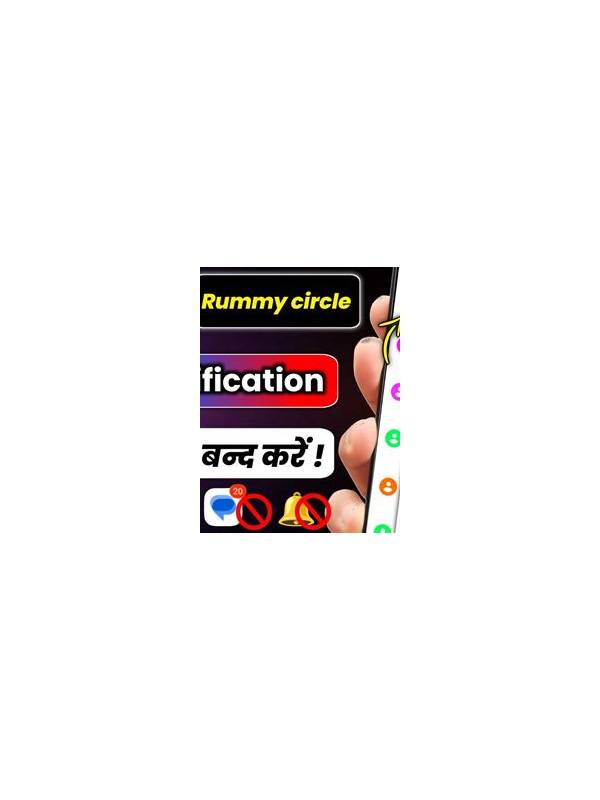
Notifications can make an app convenient, but they can also create pressure. A message claiming that an offer, account action, or withdrawal must be completed immediately deserves a pause. Separating ordinary game alerts from urgent financial or security messages helps you respond deliberately.
Review notification settings and turn off categories you do not need. If you keep alerts enabled, check the sender and the destination before tapping. A notification can imitate a familiar name while opening a different page. When in doubt, open the official application directly rather than using a link in the message.
Urgency is a common warning sign. Be cautious when a message asks for a password, one-time code, remote access, or an immediate payment to prevent a penalty. Close it and contact verified support through the app or official website. Do not call numbers or use addresses supplied only by the suspicious message.
Protect your attention during play as well. Disable unrelated alerts, use a device lock, and avoid making payment or account decisions while distracted by a table. If a notification breaks your focus, take a moment to recheck the hand before acting.
Keep a record of genuine transaction confirmations in the provider’s own history, not only in a notification. This makes it easier to distinguish an actual account event from a persuasive imitation.
Good notification hygiene is simple: reduce noise, verify the source, resist artificial urgency, and use official channels. A few seconds of checking can protect both your account and the quality of your decisions. For important account notices, verify them inside the account’s notification center or transaction history. If the alert is absent there, treat the external message as unverified. Keep operating system and app software updated, because security updates often address problems that notification habits alone cannot solve.
If you feel hurried, exit the table or pause before responding. No ordinary entertainment decision should require secrecy, panic, or a transfer to an unknown destination. Protecting your attention is part of protecting your account.
Consider setting a separate sound or visual style for security alerts, if the device supports it, while keeping promotional notifications off. This makes meaningful account events easier to notice without encouraging constant checking.
If a message still creates pressure after verification, give yourself permission to wait. Genuine support channels can explain a request without demanding secrecy or immediate action. Calm verification is a better security habit than responding to every alert at once.