Rummy Safety: Review Permission Requests Before Playing
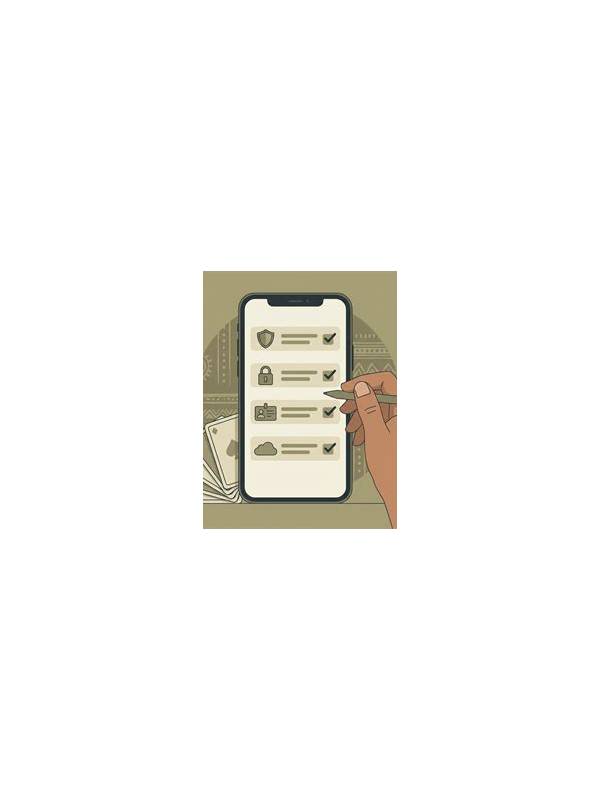
An app’s permission requests deserve attention before you begin a rummy session. Permissions can affect contacts, files, location, notifications, camera, microphone, or other device functions. A request is not automatically proof that an app is unsafe, but it should have a clear reason connected to a feature you intend to use.
Read the permission screen slowly. Ask what the feature does, whether the permission is necessary for that feature, and whether the request is optional. A game that needs notifications for turn reminders may not need access to your contacts. An identity check may require camera access during a specific step, but that does not mean the permission should remain active forever. If the explanation is vague, pause and look for the service’s official help or privacy information.
Use the device’s settings to limit access when possible. Choose one-time access, limited photo access, or “while using” access where those options are available. You can review permissions again later and remove access that is no longer needed. Keep the operating system and app store current, because updates often include security and permission controls.
Avoid granting access simply because a prompt makes the request feel urgent. Do not install an unofficial package to bypass a permission warning, and do not provide unrelated personal data in a chat or form to “unlock” a feature. If an application refuses to explain a broad request, choose a safer alternative or stop using it until you can verify the purpose.
Permission review is a small habit with a useful boundary: give an app only the access needed for the feature you understand. Pair that review with a check of account alerts and privacy settings, and you can start a recreational session with better control over your device and personal information. Be cautious with permission names that sound familiar but are broader than expected. “Files and media” may cover more than one folder, while “nearby devices” may affect connections you do not need for a game. Check the operating system’s detailed description rather than relying on a short app prompt. On a shared device, review which account is active before granting anything. A clean permission review is especially important after reinstalling an app, because previous choices may not carry over in the way you expect. If you deny a request, test whether the feature still works. If it does, leave the permission off. If it does not, decide whether that feature is worth the access. You can also revoke the permission after using the feature and restore it only when needed.