Rummy Safety: Verify Unexpected Sign-In Alerts
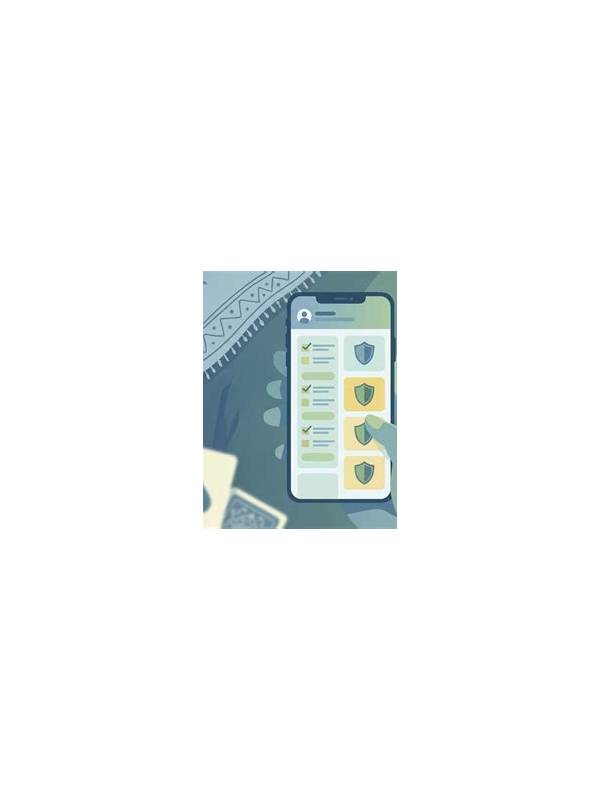
Account recovery messages deserve caution because urgency can make ordinary safety checks feel inconvenient. A message claiming that your rummy account will be locked, verified, or refunded may be genuine, but the wording alone does not prove its source. Slow down before clicking or sharing anything.
Start with the sender and the destination separately. A familiar-looking display name can hide an unrelated address, and a link’s visible text may not match its actual destination. On a phone, press and hold only when the device provides a safe preview, or open the service through an official bookmark or manually entered address instead of using the message link.
Never send a password, one-time code, card PIN, or full payment details in response to an unexpected message. Legitimate support processes may ask you to sign in through the normal service, but a request to forward a verification code is a serious warning sign. Treat codes as private even when the message uses a logo or formal language.
Check the situation through an independent route. Open the app from your normal icon and look for an account notice, or use the support page you already trust. Do not use a phone number or address supplied only by the suspicious message. If no matching notice exists, preserve the message for reporting and leave it unopened.
If you already clicked, do not panic. Close the page, avoid downloading files, and change the password through the official service if you entered credentials. Review active sessions and payment activity where the service offers those controls. If financial information was exposed, contact the relevant provider using its official contact method.
Keep notifications useful but limited. Account alerts should not pressure you into immediate deposits or unusual transfers. Set a personal rule: any recovery request waits until you verify it from inside the app. A few extra seconds can prevent a much longer recovery process.
Safety also includes knowing when to stop. If a message is unclear, save the details and ask official support through a verified channel. No game account is worth sacrificing private credentials to meet an artificial deadline.
If you manage more than one gaming account, verify which account the notice refers to before taking action. Attackers often use generic language so a recipient supplies the missing details. Keep official support addresses in a personal bookmark, and report convincing impersonation attempts through the service’s normal reporting channel. Reporting helps protect other players, but it should happen after your own account is secure.