Rummy Safety: Create a Device-Use Checklist Before Playing
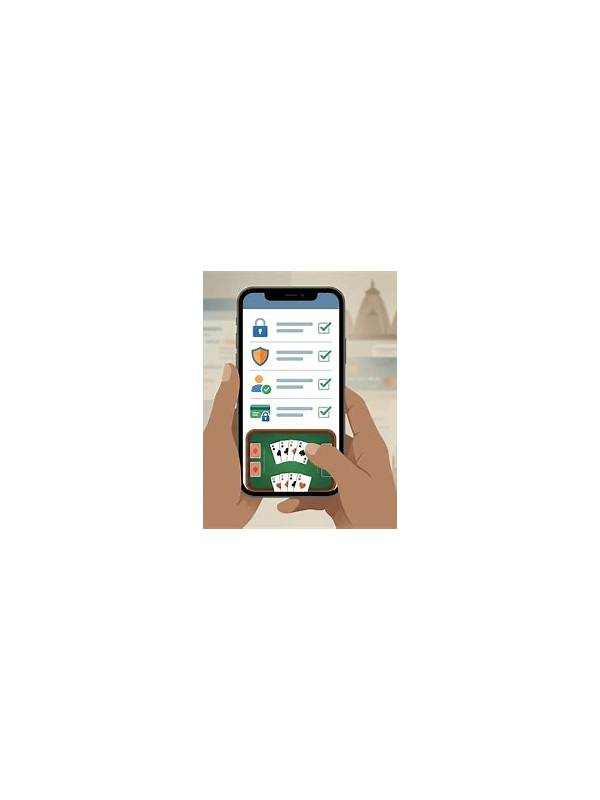
Before opening an online rummy session, take a moment to check the device rather than assuming it is ready. A quiet setup helps you concentrate and reduces the chance that a notification, unsafe network, or forgotten account state will create a problem.
Confirm that you are using the official application or a known website address. Avoid installing a file received through an unsolicited message, and do not grant permissions that the game does not reasonably need. Review whether the app is asking for contacts, messages, storage, or location access without a clear purpose. If a permission seems excessive, pause and investigate through the service’s published information.
Secure the screen and account. Use your device lock, avoid playing while another person can see payment or account screens, and sign out of shared devices when finished. Do not save sensitive information in screenshots or notes that other applications can access. If you use public Wi-Fi, avoid making important account changes there unless you understand the network and have an appropriate secure connection.
Reduce interruptions. Turn off nonessential notifications for the session and keep the device charged enough that you will not make rushed choices when the battery is nearly empty. Do not play while driving, walking in traffic, or handling work that requires attention. A game should fit around safety responsibilities, not compete with them.
Finally, know where to find official support before a problem occurs. Save the service name and normal support route, not an unverified phone number from a random post. This checklist takes less than a minute, but it helps separate ordinary play from avoidable security and distraction risks. When using a shared or borrowed device, add a privacy check after the session. Sign out, remove temporary downloads, and confirm that notifications or previews did not expose account details. Do not assume that closing a browser tab ends every session. If the device is managed by an employer, school, or public facility, follow its acceptable-use rules and avoid private transactions. A safe setup includes the way you leave the device, not only the way you open the game. Reviewing the exit step is as important as checking the opening step. Keep the checklist proportionate. The point is to create safer habits, not to make a simple recreational activity feel like a technical inspection every time. That balance keeps practical security advice clear, useful, and easy to repeat. It should support calm choices rather than add unnecessary friction.