Rummy Safety: Check Permissions Before Installing Updates
An app update can add useful features, but it is also a good moment to review where the update came from and what access the app requests. Players should not assume that a familiar name guarantees a safe file. Basic checks are especially important when an update is offered through a message, mirror, or unfamiliar download page.
Use the platform’s official store or the service’s verified account area whenever possible. Check the publisher name, listing history, and recent reviews, and compare the app’s website address with the address you already trust. Be cautious of pages that use urgent language, promise unusual rewards, or ask you to disable security settings.
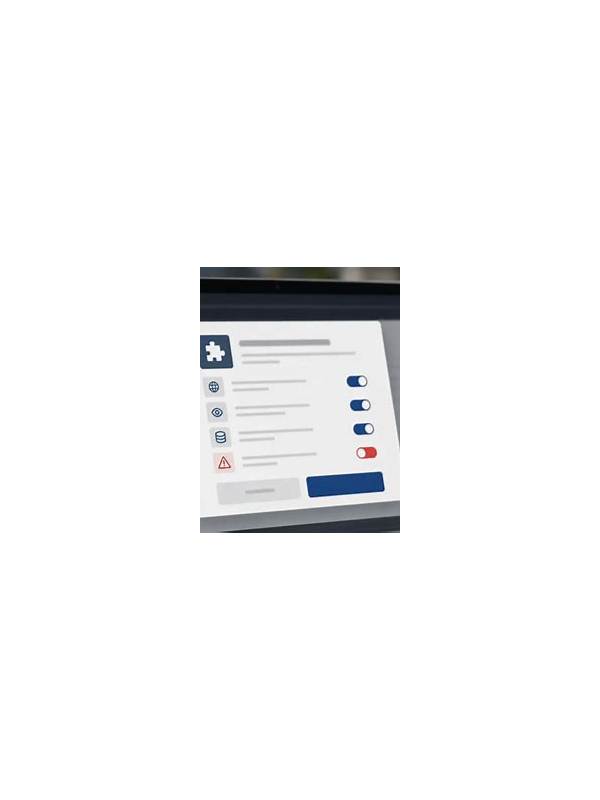
Review permissions after updating. A card game may reasonably need network access, but requests for contacts, messages, accessibility control, or unrelated device functions deserve a clear explanation. If a permission is optional, deny it until you understand why it is needed. Android and other platforms provide settings where permissions can be changed later.
Do not install a file sent by an unknown account or forward an installation package to friends. A copied name and logo are easy to create, while a malicious file can capture account information or display misleading payment prompts. Keep the device operating system and security tools current, and use a screen lock that others cannot guess.
After an update, confirm the account address inside the app rather than following a link in a pop-up or chat. Check that deposits, withdrawals, support details, and notification settings look familiar. If anything seems different, stop and contact support through the verified channel. Never share one-time codes, passwords, or full payment details with someone claiming to provide help.
If you suspect a fake update, do not continue signing in. Disconnect from the suspicious page, remove the file if it was installed, run the device’s security check, and change credentials from a trusted device. Ask a qualified technician or the platform’s official support team for help when needed.
Security is part of responsible play. A minute spent checking the source and permissions can prevent a much larger problem involving privacy, money, or account recovery.