Rummy Safety: A Pre-Session Device and Network Check
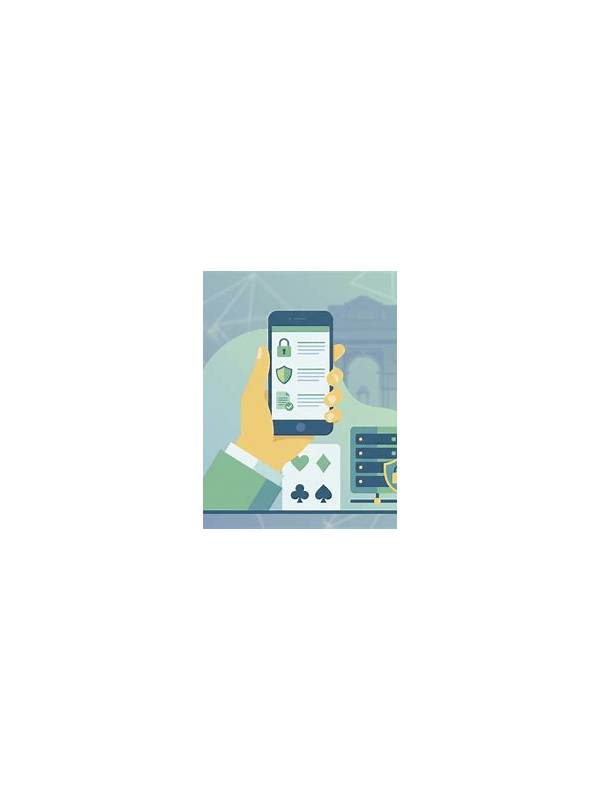
Technical problems can turn a normal game into a stressful one. A short pre-session check reduces avoidable interruptions and gives you a clear reason to stop if the environment is not suitable. It should take only a few minutes and should never involve sharing passwords or one-time codes.
Start with the connection. Use a stable private network where possible, and avoid unfamiliar public Wi-Fi for account activity. If the connection is weak, decide whether to postpone rather than repeatedly reconnect during a hand. A strong signal is not a guarantee of service availability, but an unstable connection is a predictable risk.
Next, check the application source and updates. Use the platform’s official distribution route or the provider’s verified instructions. Review the publisher name and requested permissions before installing anything. Be cautious if a download asks for unrelated access such as contacts, messages, or accessibility control. Do not disable built-in security protections simply because an installation prompt requests it.
Prepare the device itself. Close applications that create distractions, charge the battery, and make sure the screen is readable. Turn off notification previews if other people could see them. If the device is shared, use your own operating-system profile where available, sign out afterward, and never save payment details or passwords in a shared browser.
Finally, check your personal boundary before opening a table. Set a fixed time, spending limit, and stop condition. If the service displays unclear fees, missing rules, or a request for unusual verification, pause and use an official support route. Do not send identity documents or payment information through an unsolicited message.
This checklist is about reducing exposure, not guaranteeing that a platform is safe or legal in every location. Read current local requirements and the service’s terms. If play is causing sleep loss, financial pressure, or repeated attempts to recover losses, stop and seek support. A reliable session begins with a reliable decision to participate.
Keep support details separate from unsolicited contacts. If an account problem occurs, open the service through a known bookmark or official app and find help there. Save confirmation numbers without saving private payment data. Review device permissions from the operating system after an update, since permissions can change. If the app behaves unexpectedly, take a screenshot without exposing sensitive information, close it, and seek official guidance. A small amount of preparation protects both the session and the account around it.
Also check that the device clock and battery are adequate for the planned session.