Rummy Safety: Protect Focus When Playing on a Shared Device
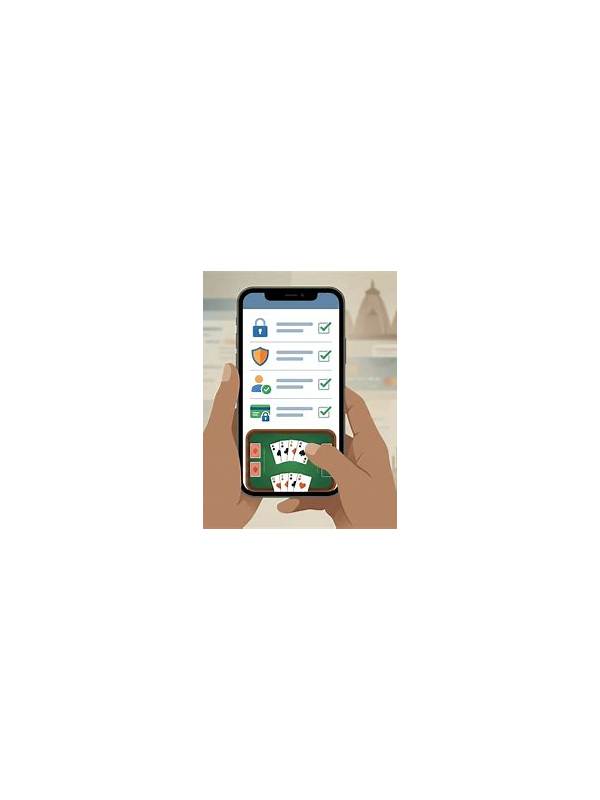
A shared phone or tablet creates two kinds of rummy risk: account confusion and reduced attention. A few practical habits can protect both. The exact settings depend on the operating system and service, so use the device’s documented controls and the app’s official help pages when needed.
Start by confirming the active account before opening a table. Do not assume that the last screen belongs to you, especially if another person recently used the device. If the service supports separate profiles or a clear sign-out process, use it. Avoid saving passwords or verification messages where another user can read them, and never share one-time codes through casual messages.
Check notifications before playing. Banking alerts, private messages, and account prompts can appear over a game and draw attention away from a decision. Use a device focus mode if appropriate, but keep important security alerts available. The aim is a short, controlled session, not permanent silence.
Use a stable connection and enough battery. Shared devices may be switched between networks or have power-saving settings enabled. Before joining a time-sensitive table, verify the connection and close unrelated apps if the device is struggling. If someone needs the device, end the session at a natural point rather than rushing through a declaration or payment screen.
Be careful with screenshots and notes. A hand diagram can help practice, but screenshots may include usernames, balances, chat, or account details. Crop or delete sensitive material before sharing. Keep study notes focused on card decisions and avoid recording credentials, payment information, or private messages.
Finally, set a clear personal boundary. If the environment is too distracting, choose practice mode or postpone play. A shared device is a convenience, not a reason to ignore uncertainty about the active account or the action on screen. Security and concentration both improve when you pause before assuming the device is ready. If another person needs the device unexpectedly, protect the session boundary. Do not let a request for the phone push you into a hurried action. Pause safely, exit according to the service’s controls, and return only when you can verify the account and screen again. If the device has browser autofill or shared notifications enabled, review those settings before using an account. Convenience features should never expose private information to the next person who picks up the device.